Privately share files, photos and text between your devices, right in the browser
To share a file, open sharedclipboard.com on your phone and laptop. Files you add on one device are securely transferred to the other, with no email, USB stick or sign-in..
You don’t need to email yourself, plug in a USB stick or sign in to anything.
- End‑to‑end encrypted
- No server upload
- Free, no account
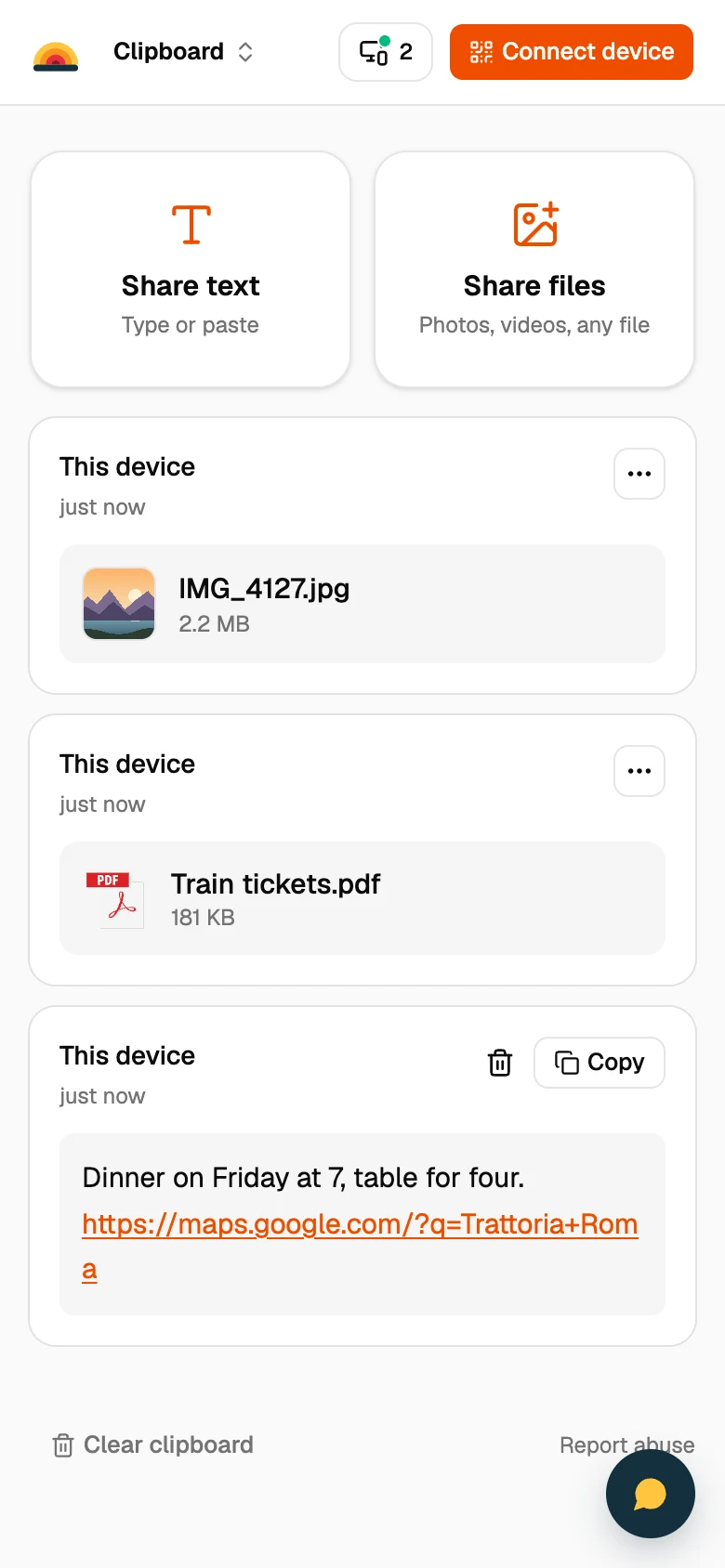
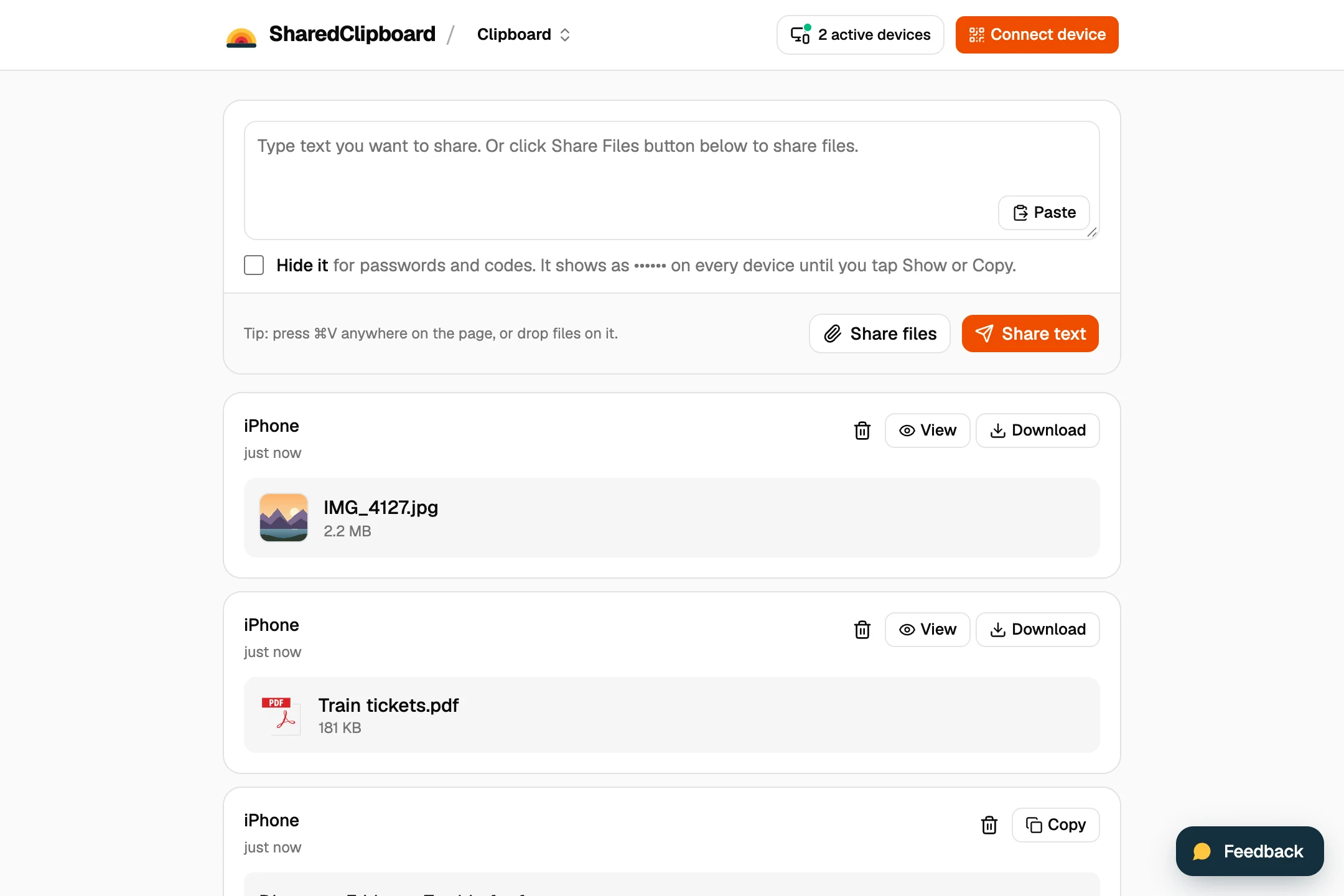
How it works
- Create clipboardsharedclipboard.com/r/k3Xq9…
Step 1
Create a clipboard
One click, with no account. Each clipboard gets its own link and encryption key.
Step 2
Open the clipboard on your other devices
Scan the QR code with your phone, or type the 6‑digit code on another computer.
Step 3
Add text, photos and files
Anything you add on one device appears on all of them.
Lease.pdf
On 3 devices
Step 4
Delete everything once you’re done
Clearing the clipboard deletes everything from all your devices.
Instead of emailing yourself
Never stored on a server
Email and cloud drives keep a copy of your files. SharedClipboard sends them straight between your devices, encrypted.
How your files stay privateNo account, no app
Email and chat apps need you signed in on every device. SharedClipboard works in any browser with a QR code or a 6‑digit code.
Delete everything at once
Files you email yourself stay until you find and delete them. Clearing a clipboard deletes everything from all your devices.